How to share your order form on WhatsApp?
"will the broadcast deliver message to people who have not saved my number?"- Quora
This is a common question business owners ask when they want to send a message to their regular customers. If you sell to regular customers on WhatsApp, your customers need your updated menu every week. A broadcast list only reaches people who saved your number, and sending it one by one takes time. Then every reply comes back as its own chat, and you piece the orders together by hand.
In this article, we will show you how to send your order form link in one WhatsApp message, so that every customer orders from the same menu.
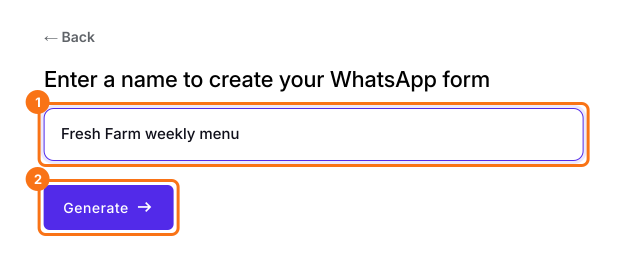
1. Name your order form
Click Create a new form, type your form's name and click Generate. Check the outline it suggests and click Proceed. Already have a Google Form? Click Import Google Form instead.
2. Write your message
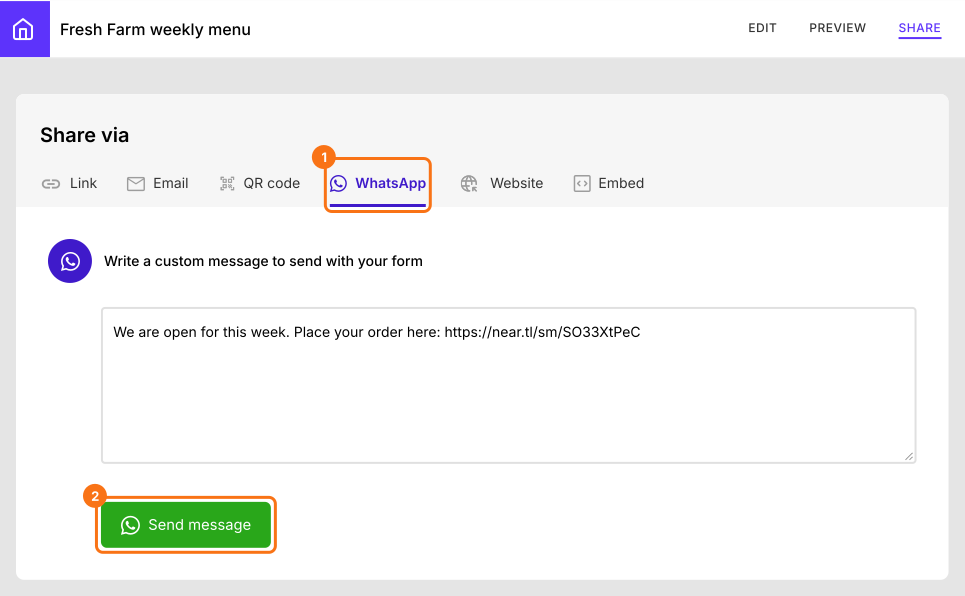
In your form, click SHARE, then WhatsApp. Your link is already in the message, so change the words if you like and click Send message.
3. Pick your customers
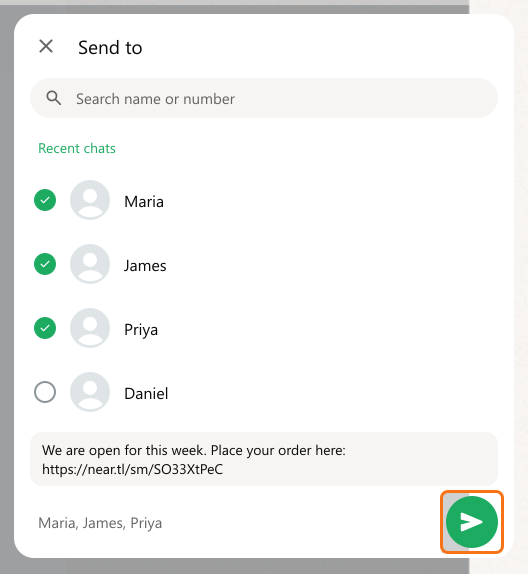
WhatsApp opens with your message. Tick your customers, or a whole group, and send it. They don't need to have saved your number to open a chat you start.
4. Customers order from your link
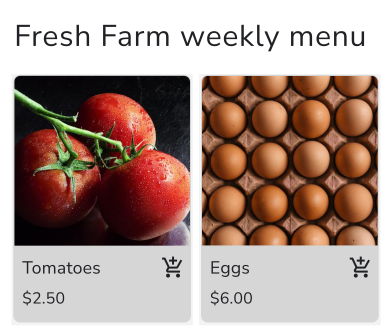
They tap the link, pick what they want and see the total. Next week, change the products in the same form and send the same link again.
Summary
If you sell to regular customers on WhatsApp, they need your menu every week, a broadcast list misses anyone who hasn't saved your number, and sending it one by one takes time. With Neartail, you send one message with your order form link, and every customer orders from the same menu, so you aren't piecing orders together from chats.
Last updated: